Viewing activity
The Activity page is the operational log for a namespace. It shows what has been submitted, what is still waiting, and what has already completed or failed.
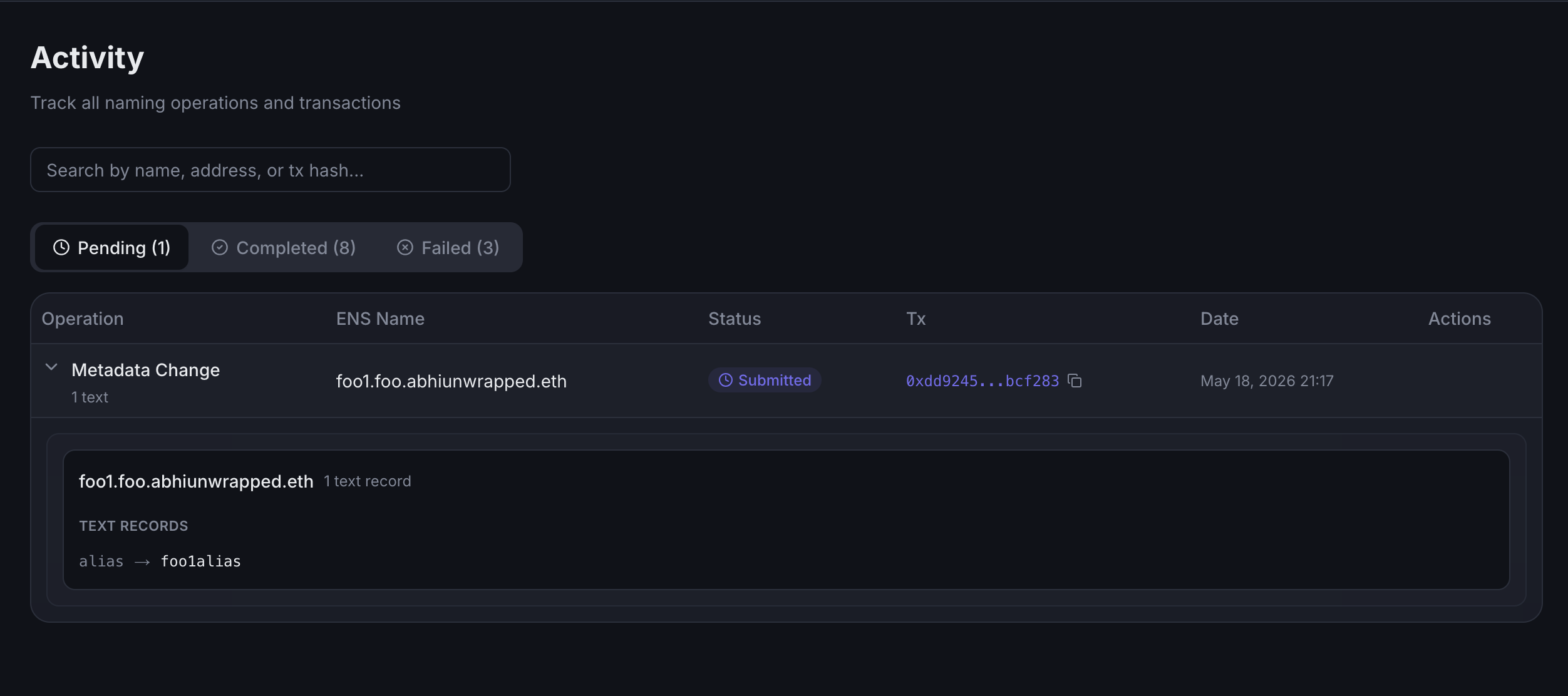
What appears in activity
Enscribe records multiple operation types, including:
- assigning names,
- metadata changes,
- manager transfers,
- subname creation,
- subname deletion, and
- multisig signing steps.
Activity views
The page groups operations into status-based tabs:
-
Pending:
-
Completed:
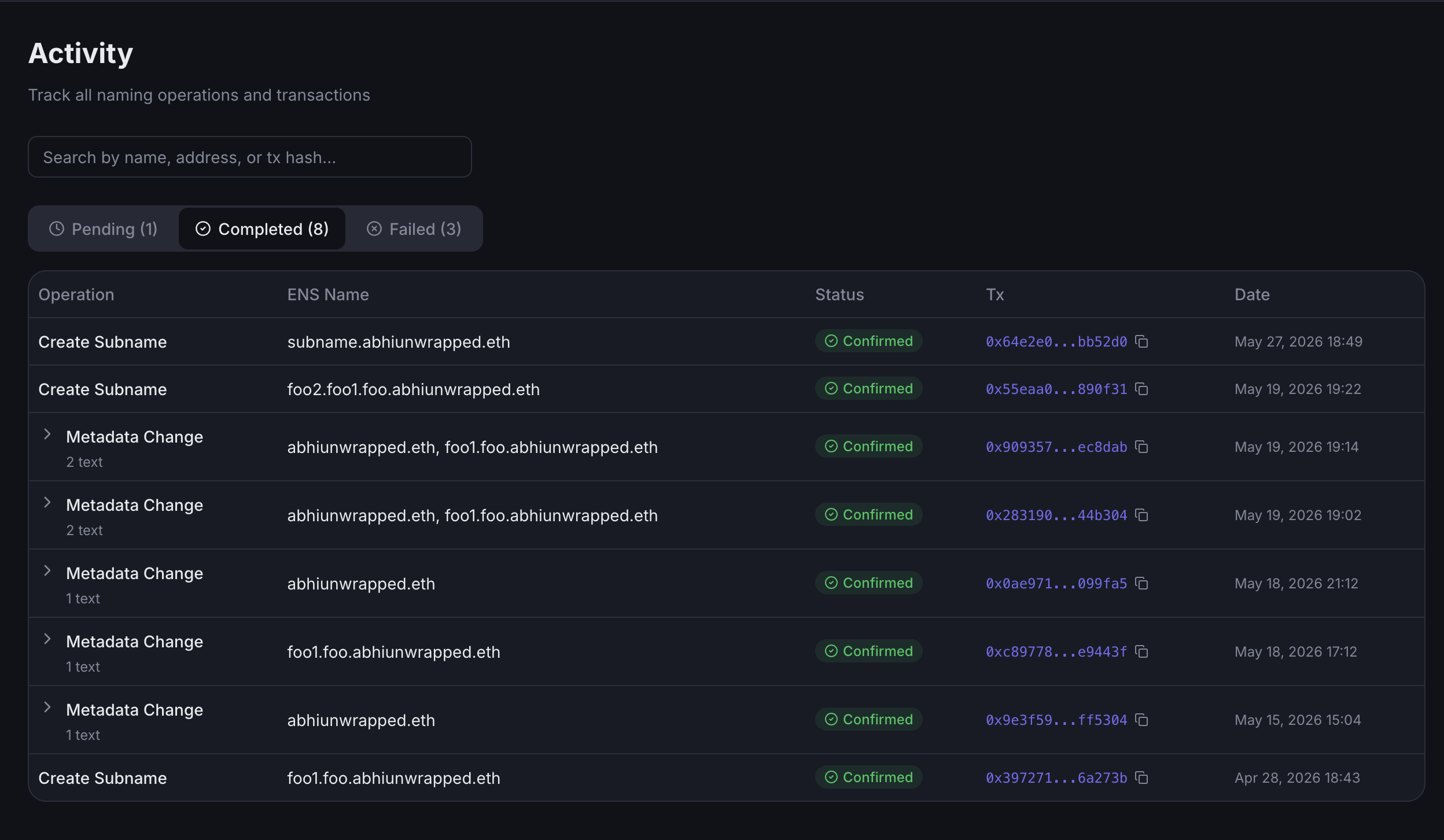
-
Failed:
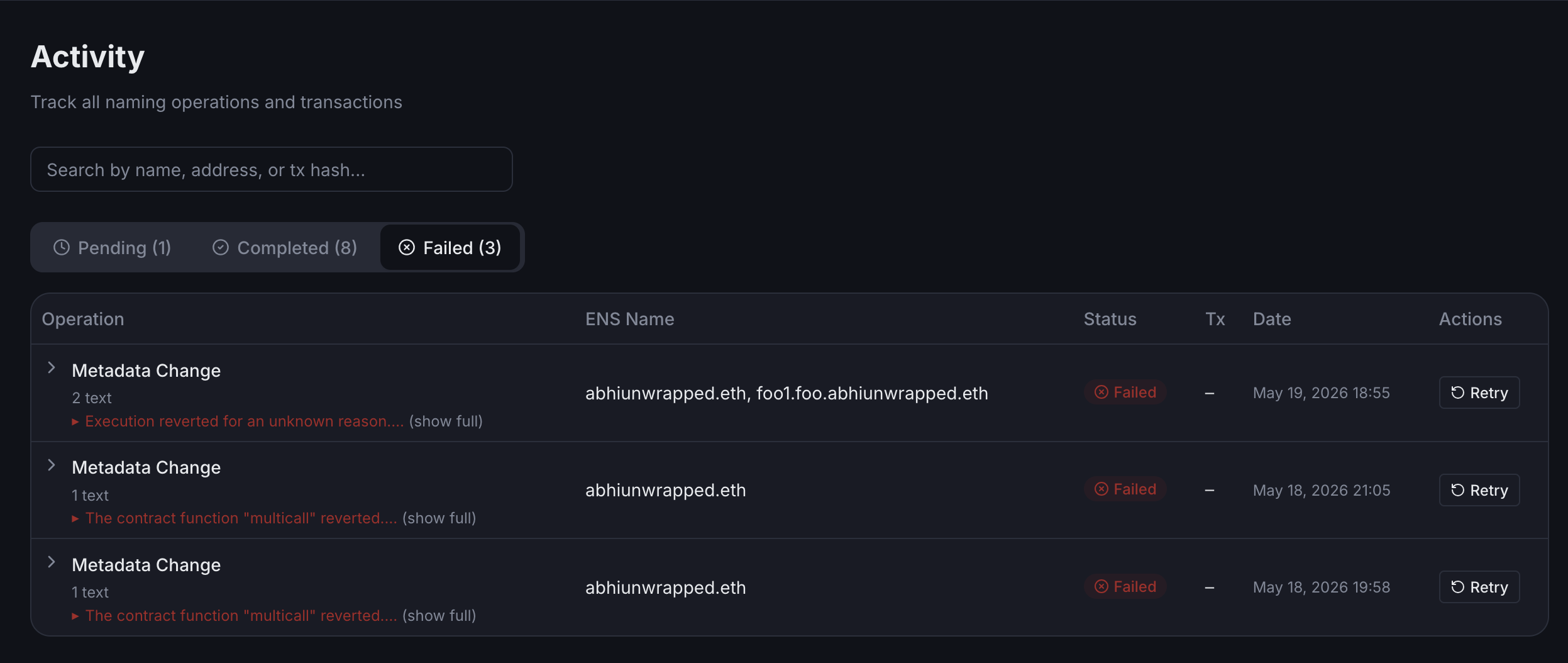
You can also search the activity list by ENS name, contract address, transaction hash, or Safe transaction hash.
Safe-backed operations
For namespaces managed through Safe Multisig, Enscribe regularly syncs Safe transaction state. That lets the activity table reflect:
- pending approvals,
- executed Safe transactions, and
- operations already reconciled from Safe execution.
This is especially helpful when several signers need to approve the same naming action.
What you can inspect
Depending on the operation, the activity table can show:
- onchain transaction hashes,
- Safe transaction hashes,
- signature progress,
- error states, and
- expanded metadata change details such as text records, address records, and content hash updates.
Enscribe also links out to the configured chain explorer for transaction inspection when an explorer URL is available.