Adding contracts and addresses
Once a namespace is live, the Contracts and Wallets page becomes the working inventory for that namespace. This is where you add addresses that your team wants to track and name.
What you can add
Enscribe supports three address types:
- contracts,
- wallets, and
- Safe wallets.
When you paste an address into the add dialog, Enscribe detects the address type automatically before submission.
Add an address
- Open the namespace.
- Go to Contracts and Wallets.
- Click Add Address.
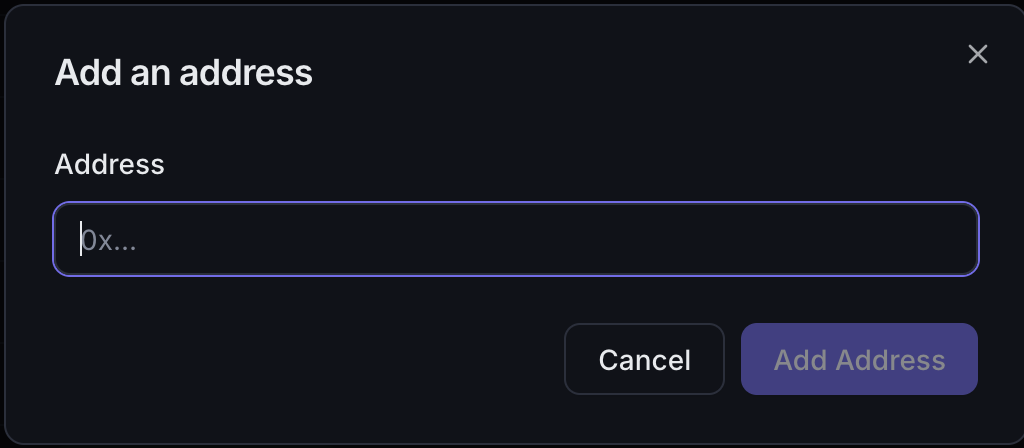
- Paste a
0x...address. - Confirm once Enscribe detects the address type.
After the address is saved, Enscribe tries to resolve ENS names for it.
What Enscribe shows after import
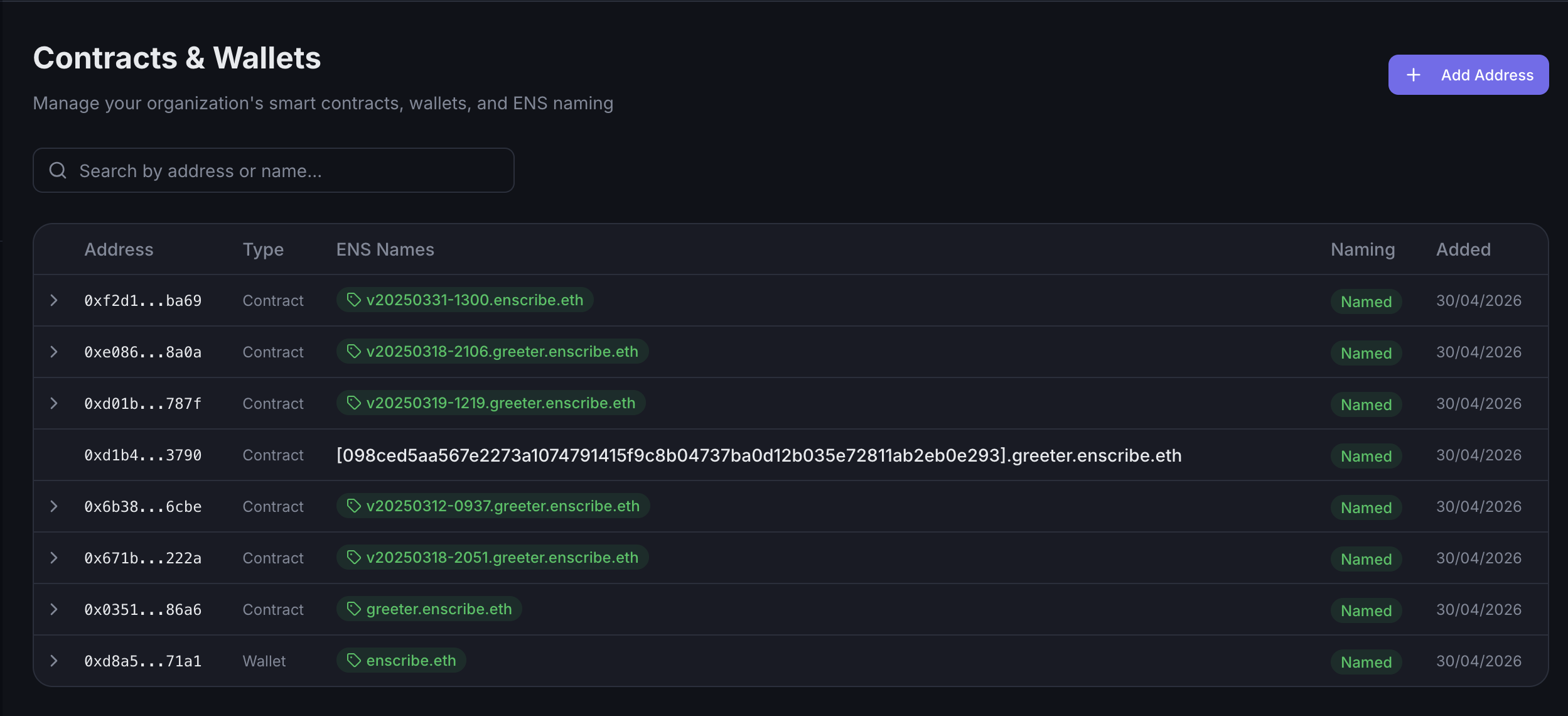
The contracts table includes:
- the address,
- the detected type,
- ENS names already found for that address,
- naming status, and
- the date the address was added.
If Enscribe finds names under your organization's namespace, it surfaces them directly in the table. If it finds names outside your namespace, it notes that separately during resolution.
Sync behavior
Enscribe also runs a background sync against the namespace so the inventory can pick up addresses and naming state discovered onchain.
That means the table is not only a manual input list. It also reflects namespace state that Enscribe can reconcile from ENS.
Search and filtering
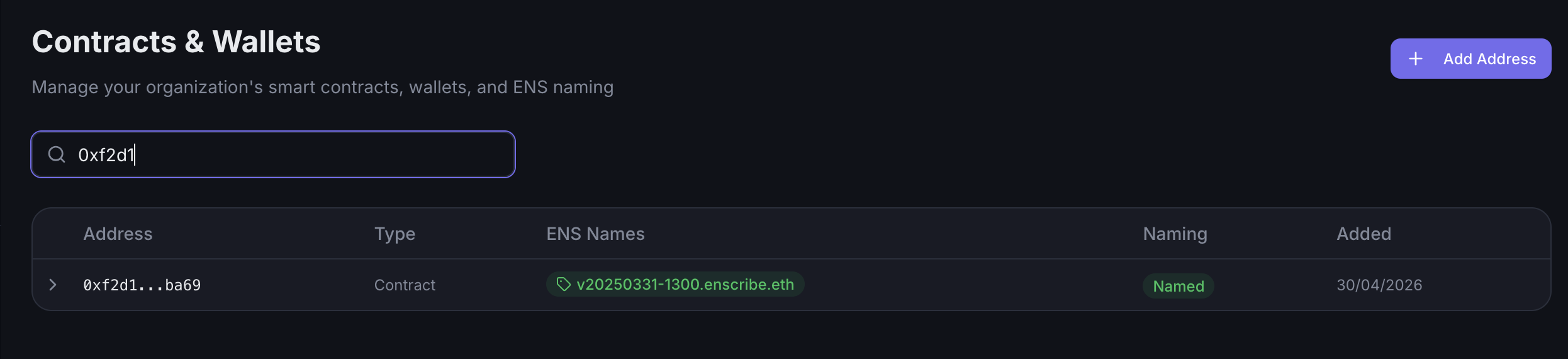
Use the search box to find entries by:
- address,
- stored ENS name, or
- resolved ENS names discovered under the namespace.