Creating organizations
An organization is the top-level workspace in Enscribe. It groups your namespaces, teammates, API keys, and settings.
Create your first organization
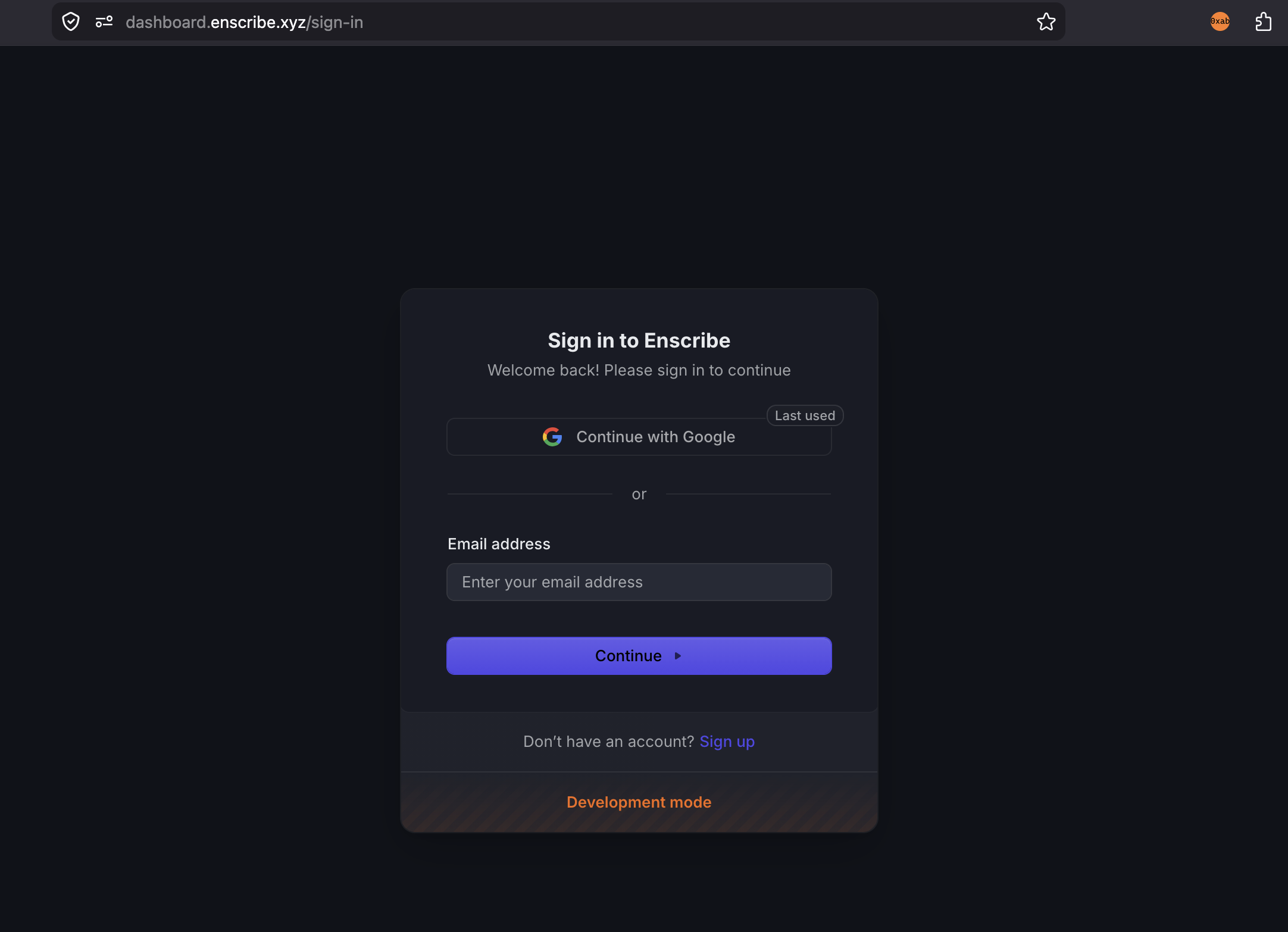
- Sign in to Enscribe.
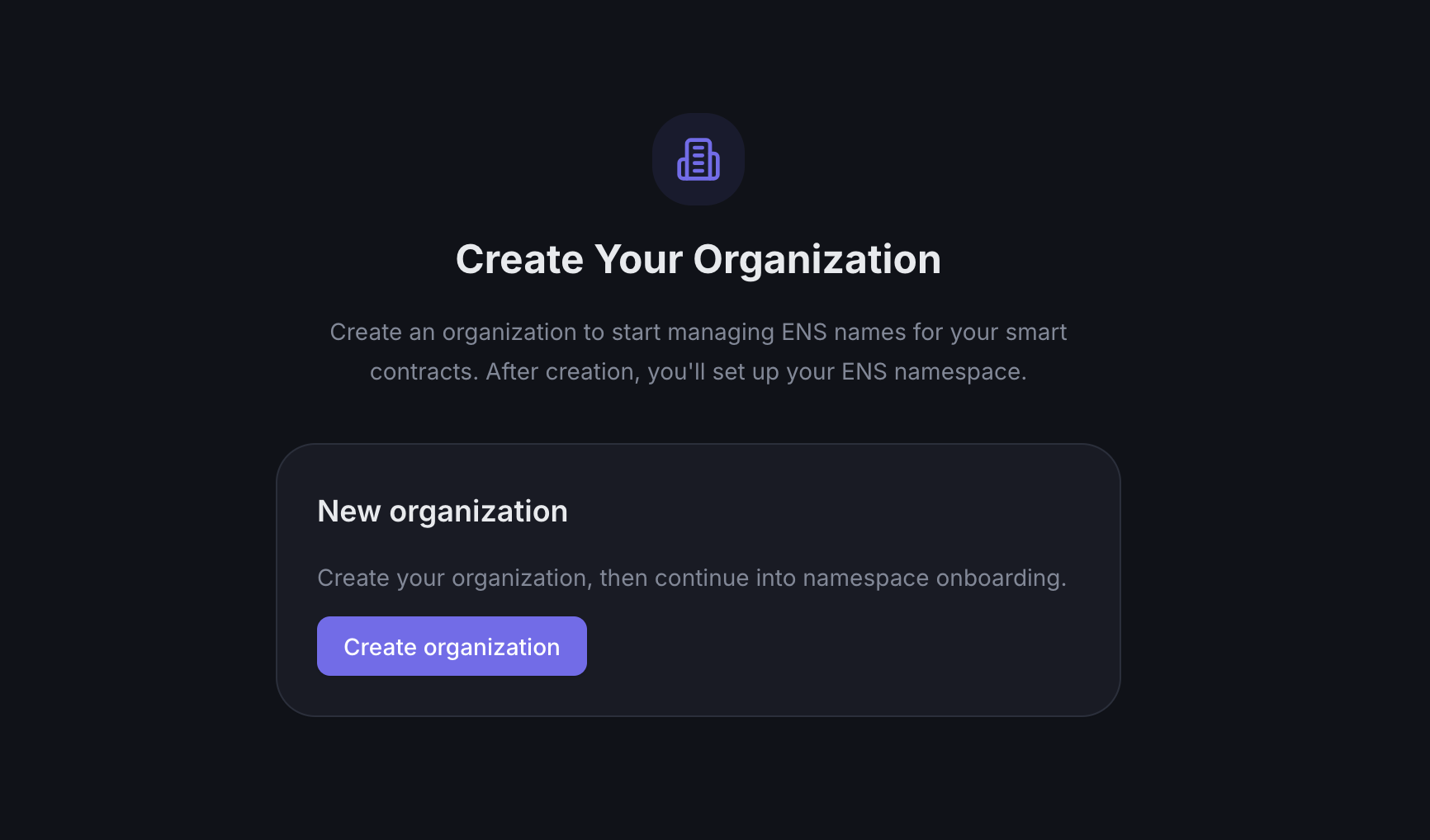
- If you do not belong to an organization yet, Enscribe shows a Create organization screen.
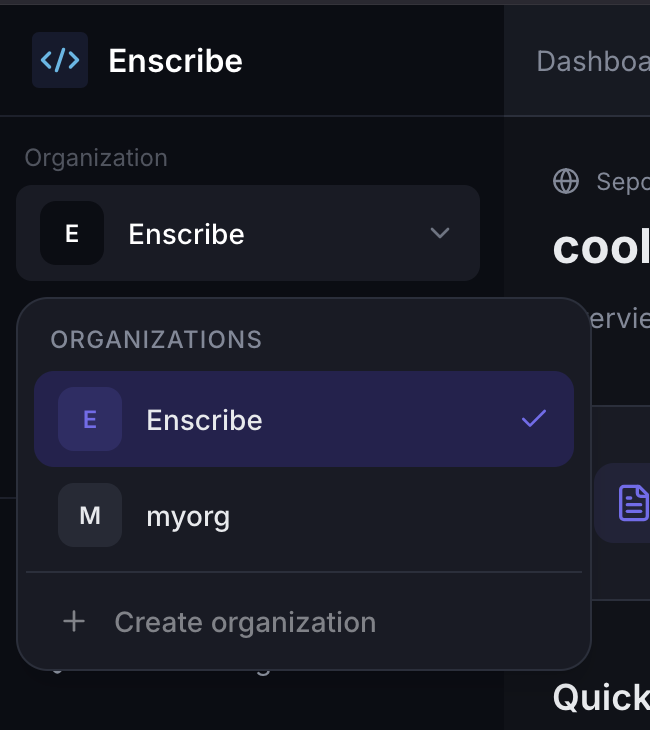
 Note: If you already have an organization and want to create a new one, you can click on the Organization dropdown in the top left corner and click on Create organization at the bottom of the Organizations list.
- Enter an organization name.
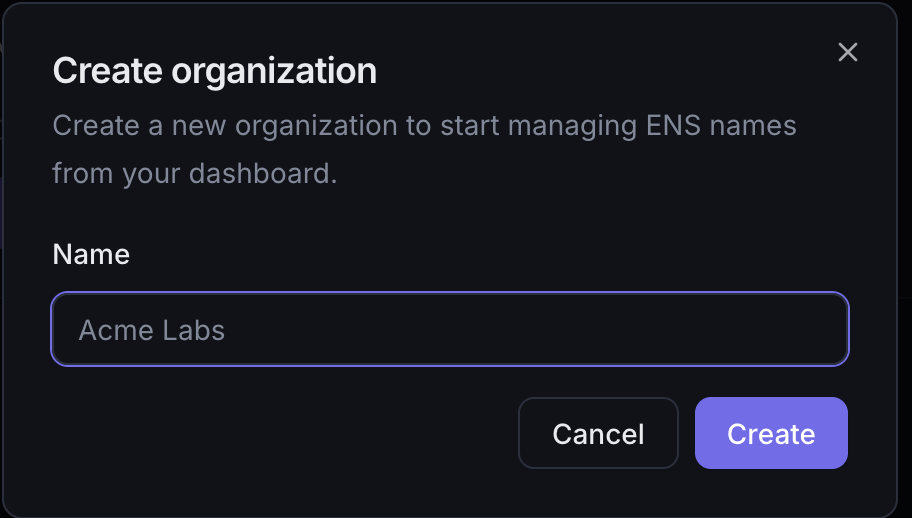
- Click on Create to create the organization.
After creation, Enscribe routes you directly into namespace onboarding for that organization.
What happens next
- The new organization becomes your active workspace.
- Enscribe sends you to
/org/<org>/new-namespace. - From there, you import an ENS name and finish namespace setup.
Managing the organization later
Admins can return to Organization management to:
- invite members by email,
- review or change organization roles, and
- create organization-level API keys.
If you already belong to one or more organizations, Enscribe redirects you into the first available workspace instead of showing the empty-state create screen.