Exploring accounts, contracts, and ENS names
Explore mode is the fastest way to try Enscribe if you do not have an ENS name or a contract to name yet.
Try it now
- Open a live Enscribe-named contract: Explore an Enscribe contract on Ethereum
- Open a known protocol contract: Explore a Uniswap contract on Ethereum
- You can also paste any address or ENS name in the app search bar.
Universal search
Search works without wallet connection. Paste a 0x... address or type an ENS name.
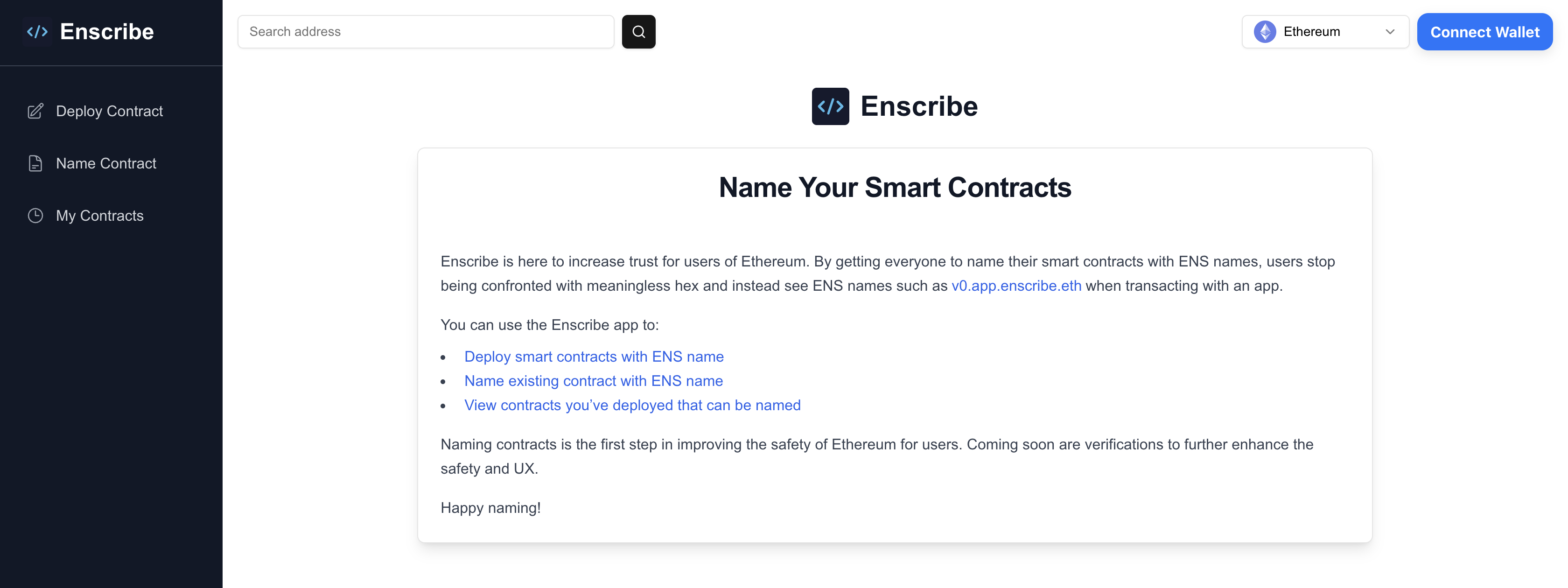
Search supports:
- Ethereum addresses (
0x...) - ENS names
- Chain-aware routing to the correct contract/account page
Direct URL format
You can share any contract/account with:
https://app.enscribe.xyz/explore/<chainId>/<address>
This format is useful for support docs, runbooks, and team handoffs.
What you can inspect on contract pages
Contract pages display identity, verification, and metadata in a single view.
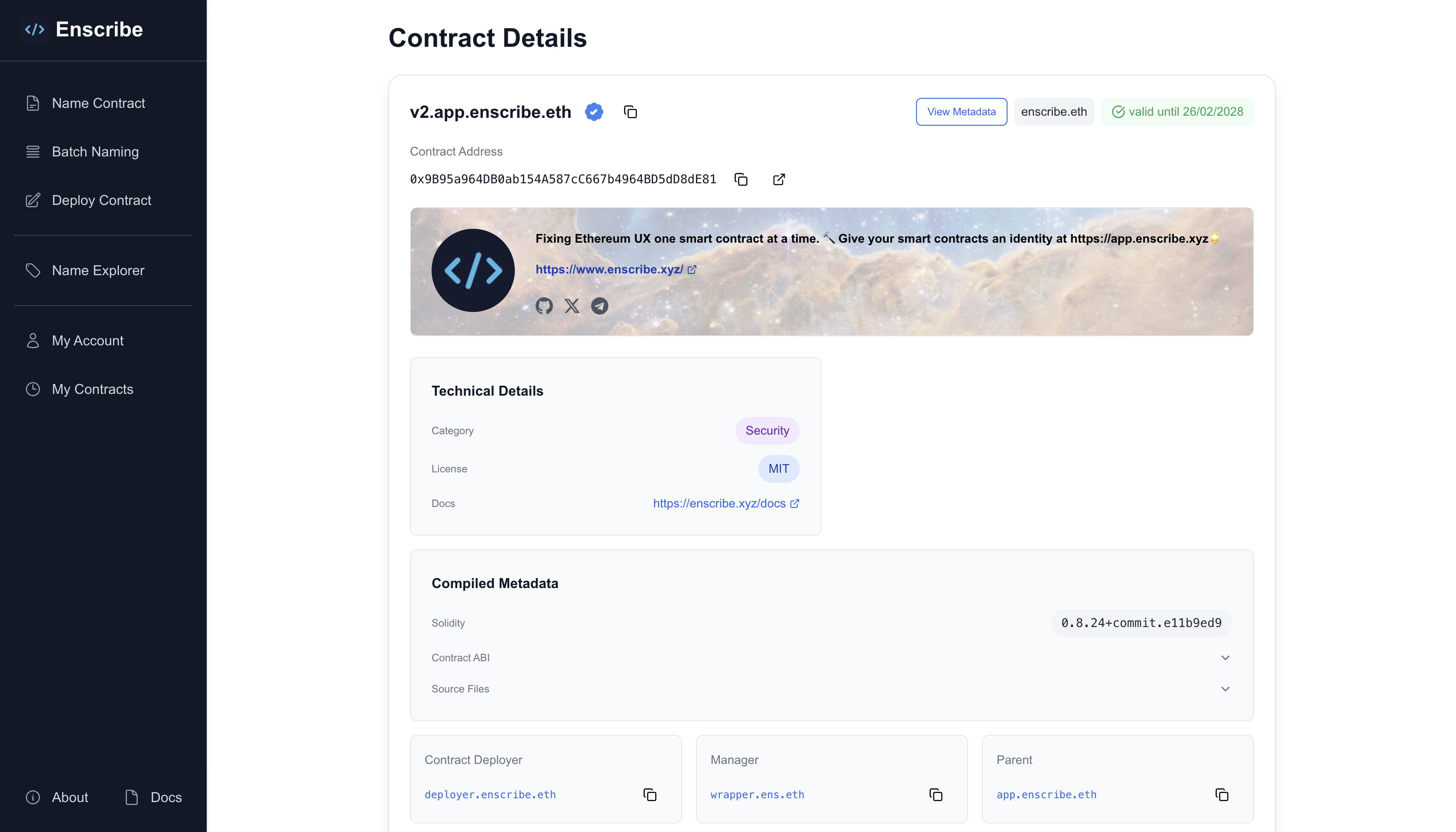
Header and avatar
- Circular avatar prominently displayed
- Header image as a subtle background
- Contract name and description
- Social links with branded icons (GitHub, Twitter/X, Telegram, and others)
Identity and ENS details
- Primary ENS name and expiry state
- Names resolving to the contract
- Names owned or managed by the contract
- ENS management and organization information (owner, manager, parent)
Verification
- Verification status across Sourcify, Etherscan, and Blockscout
- Links to verified source code
- ABI and source code when verified on Sourcify
Contract metadata
- All ENS text records displayed in a dedicated metadata section (docs, audits, category, license, and more)
- Organization-level metadata inherited from parent ENS names

For details on metadata fields, inheritance, and the public API, see Contract metadata.
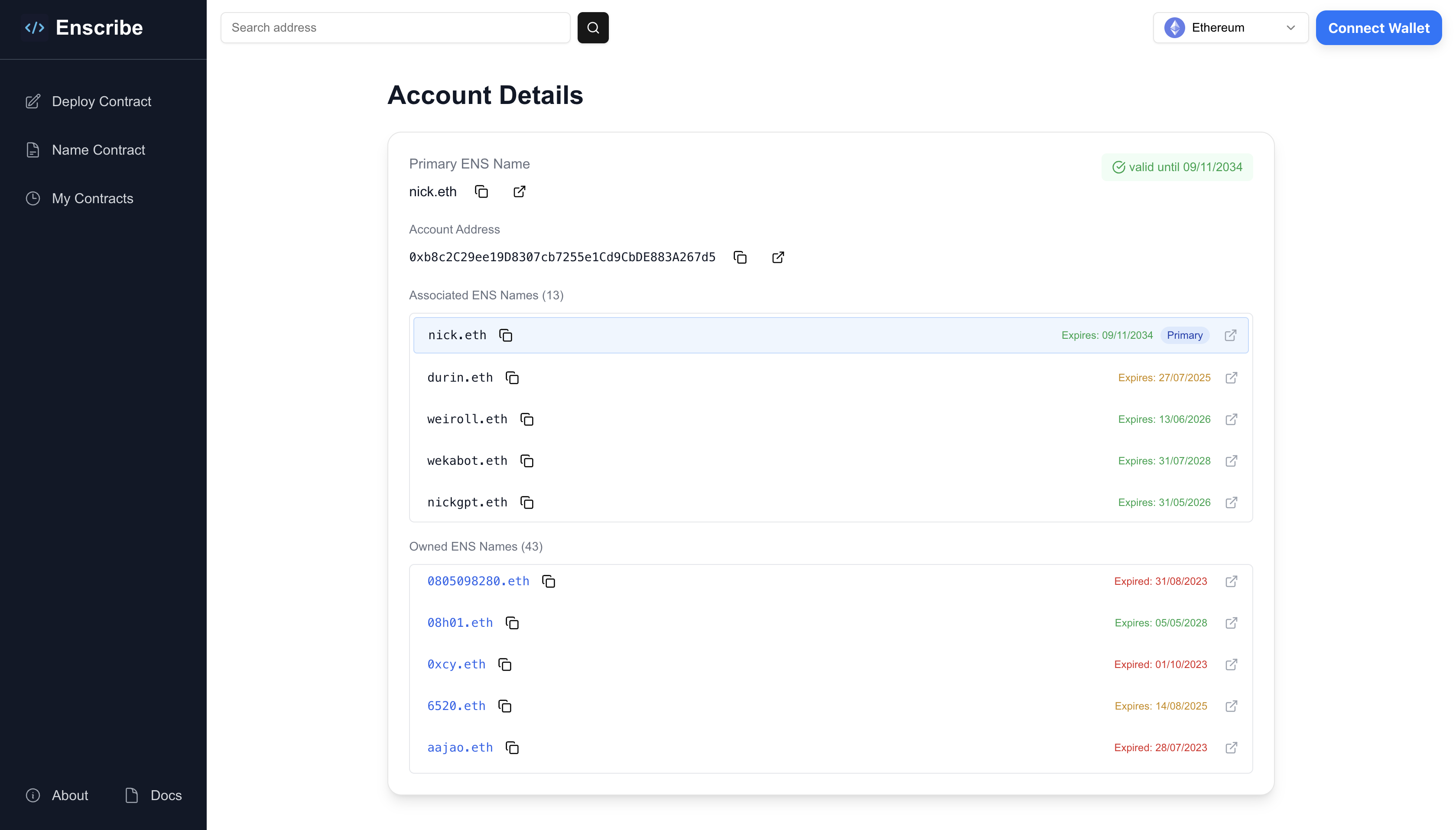
What you can inspect on account pages
- Primary ENS name and expiry state
- Names resolving to the account
- Names owned or managed by the account
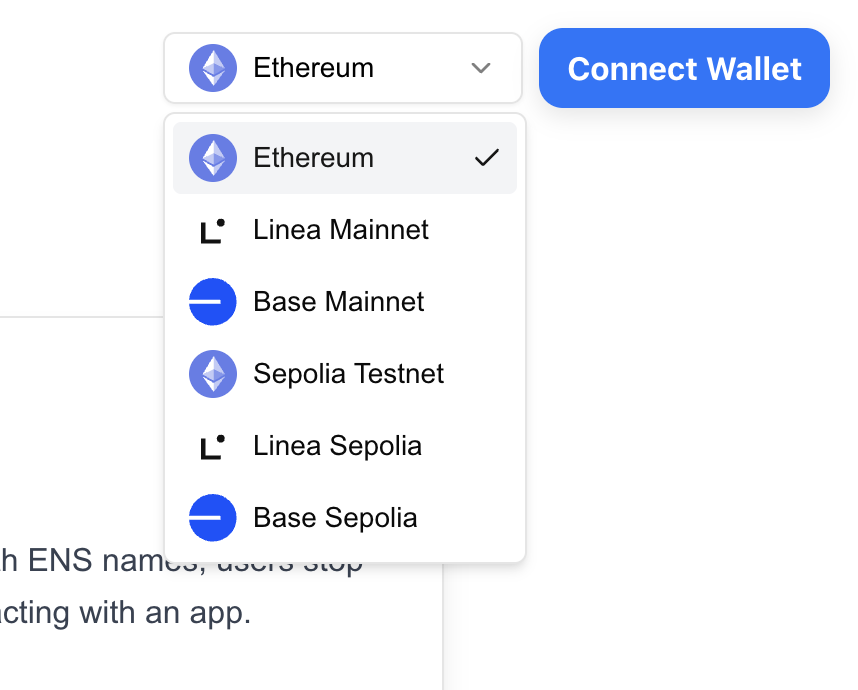
Chain selector behavior
When no wallet is connected:
- You can choose any supported chain
- Data loads for that selected chain only
When a wallet is connected:
- The selected chain follows your wallet network
- Changing wallet network updates the page to the same address on that chain
Supported networks
- Ethereum Mainnet
- Ethereum Sepolia
- Base Mainnet
- Base Sepolia
- Linea Mainnet
- Linea Sepolia
You can use Explore as a zero-setup entry point, then move to naming once you are ready.